
Products & projects
Software for teams. Interfaces for operations.
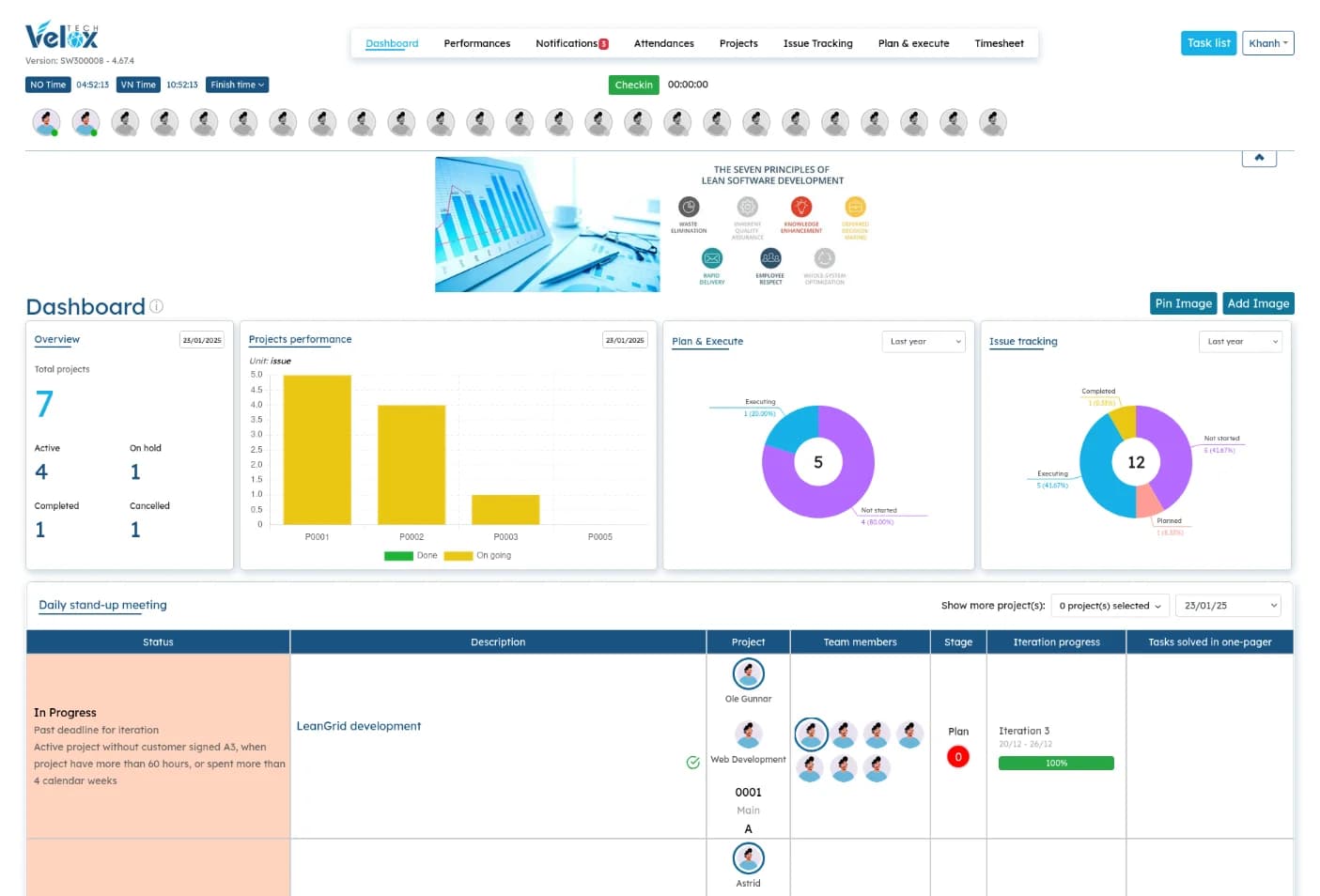
Coordia brings project planning, timesheets and issue tracking together. CRM connects prospects, contacts, sales activities and follow-ups. Camera-control software connects underwater video and equipment operation, while ROV touchscreen and remote operations projects explore interfaces for operators. Developed with Velox Tech’s engineering services, the portfolio includes software used by our team, camera-control tools and interfaces tailored to individual projects. Contact us to discuss which tools are available for your operation and how they can connect to your systems.
01 / Velox Digital product
Coordia.
Bring projects, people and improvement work into one operational view.
- Project planning and cost visibility
- Issue tracking and improvement actions
- Timesheets and resource availability
02 / Velox Digital software
CRM. A clear next step for every prospect.
Customer relationship management software for keeping prospects, contacts, sales activity and follow-ups connected. See the current situation, who owns the next action and when it is due.
Velox uses this CRM to manage its own sales work. Contact us to discuss availability for your team, licensing, hosting and the setup you need.
- Company and contact records with clear ownership
- Activity history, next actions and assigned follow-ups
- Daily priorities, overdue reminders and stale-prospect review
- Sales pipeline visibility and weekly sales reviews
Organize relationships.
Maintain company information and separate contact records. Assign owners, classify opportunities and keep the sales status aligned with the current situation.
Turn activity into follow-up.
Record interactions, outcomes and the next step. Assign follow-up actions and deadlines, then record completion separately from the original activity history.
Review the pipeline.
Use My Work Today, pipeline views and Weekly Sales Review to find overdue actions, missing next steps and opportunities that need attention. Filter prospect history and export its timeline to CSV.
These edited screenshots illustrate the CRM workflow using fictional companies, contacts and activity records. All names, contact details and figures are demonstration data.
03 / Operator interface project
ROV touchscreen control interface.
Bring remotely operated vehicle controls and status information within reach of the operator. This project combines a touch interface with a compact display designed for mounting on an ROV control chair.
The design calls for a fanless display of approximately 12 inches connected to a separate computer, with multi-touch input and software dimming for bright and low-light conditions. Display selection, hardware integration and final configuration are agreed for each project.
- Touch gestures for tap, drag and hold interactions
- Chair-mounted housing with accessible connections
- Linux-compatible touch input over USB
- HDMI, DVI or DisplayPort connection to the control computer
04 / Camera control software
See and control your underwater cameras.
Operate fish-farm cameras from one interface, with live video, camera and winch controls, and environmental sensor readings. Switch between one, two or four camera views to focus on a single feed or monitor several locations.
Configure cameras and view Full HD or 4K RTSP video streams on Ubuntu Linux. ROV mode is a demonstration only; support for operational ROV use is not yet available.
- Pan and tilt controls with mouse or keyboard operation
- Winch movement and configurable motor speeds
- Selectable sensor data overlays on video
- Video recording, snapshots and fullscreen viewing
05 / Remote operations interface project
Remote operations & SCADA.
A unified operator interface for aquaculture operations, bringing camera views, feeding, sensor readings and equipment status into a consistent workflow. The project explores a clearer way to navigate supervisory control and data acquisition (SCADA) functions across farm operations.
This is an interactive demonstration using offline data. It lets you explore selected screens and controls but does not connect to live farm equipment. A complete operating system would require further development and integration.
- Dashboard concepts connecting farm overview and equipment views
- Planned alarm workflows for prioritizing, acknowledging and filtering alerts
- Sensor trends and history with time filters
- Control workflows with confirmation for critical actions